How to connect Dream to Meta Muse
By Dream · Published · Updated
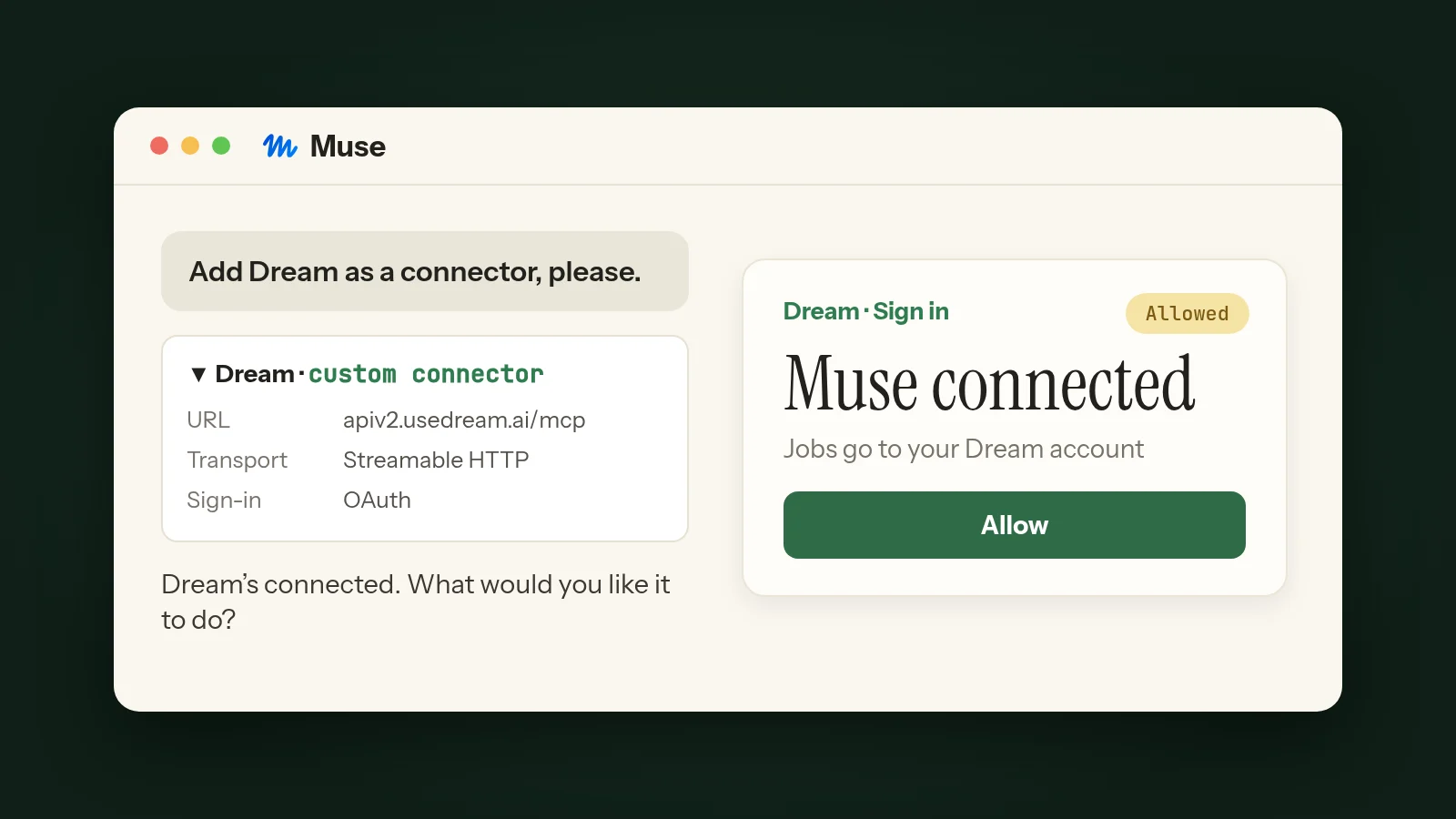
Short answer
Go to usedream.ai/connect, choose Muse and paste the message into a Muse chat. Muse creates a custom connector called Dream. Sign in to Dream when your browser opens and press Allow. From then on, ask Muse for a call or an errand and Dream's AI secretary and real secretaries get it done.
How do I add Dream to Muse?
- Open usedream.ai/connect?client=muse, choose Muse, press Add Dream to Muse and copy the message.
- Paste it into a new Muse chat. Muse creates a custom connector named Dream for https://apiv2.usedream.ai/mcp.
- Sign in to Dream when your browser opens and press Allow. New to Dream? The same screen creates your account, and your first 20 minutes are free, with no card needed.
- Ask Muse for something, for example: "Ask Dream to ring my dentist and move my check-up to next week."
Can I set up the Dream connector in Muse by hand?
Yes. Ask Muse to create a custom connector with these settings. There is no client ID or secret to fill in: Dream registers Muse when you sign in.
| Setting | Value |
|---|---|
| Name | Dream |
| Type | Remote MCP server |
| URL | https://apiv2.usedream.ai/mcp |
| Transport | Streamable HTTP |
| Sign-in | OAuth |
What can Muse do with Dream?
- Ring businesses in the UK and Europe, in English, French, Spanish or German.
- Book, move or cancel appointments and reservations.
- Chase refunds, cancel subscriptions and fill in forms on websites.
- Check how a job is going and tell you the result.
The secretary sees only the brief Muse writes for the job, not your Muse chat, files or cards. You can remove Dream at any time in Muse's connector settings.
What if Dream doesn't connect to Muse?
- Muse asks for a client ID or secret: tell it Dream uses dynamic client registration, so none is needed.
- Muse opens its own browser to visit Dream's website: ask it to use the Dream connector instead.
- Muse can't add connectors where you are: use Dream in your browser at team.usedream.ai/ask.
How much does Dream cost in Muse?
The same as everywhere else. Standard secretaries cost £0.20 a minute, UK-based secretaries £0.50 and multilingual secretaries £0.60. Your first 20 minutes are free.
FAQs
Questions, answered.
Do I need a Meta developer account to add Dream to Muse?
No. If your Muse account can add custom connectors, you can add Dream by pasting the message from usedream.ai/connect into a chat.
Can I use Dream in Muse and in Claude or ChatGPT?
Yes. Each AI signs in to the same Dream account, so jobs you start from any of them appear on your jobs page.